Introduction
I have a qmk keyboard bought from keebio (note: highly recommend!):
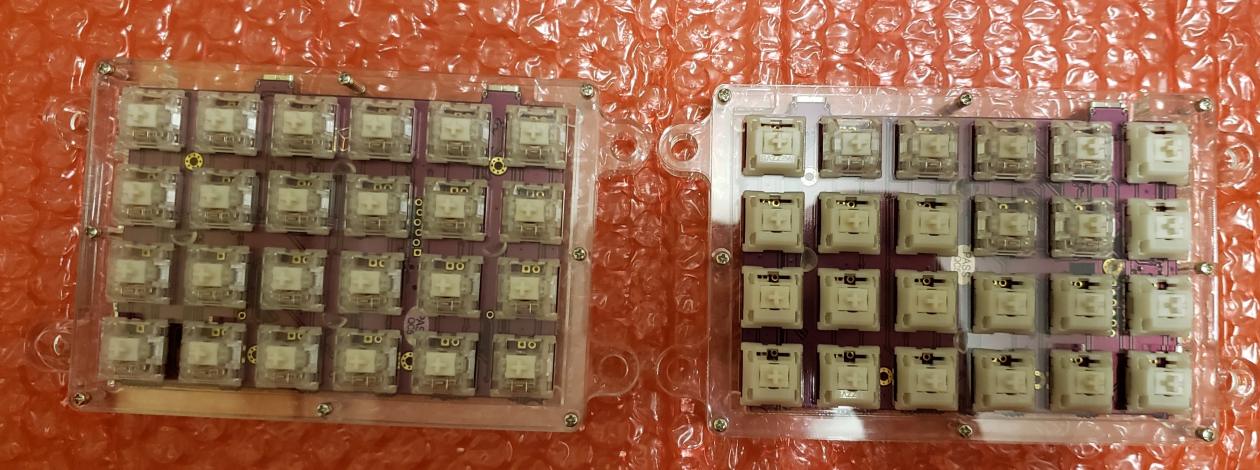
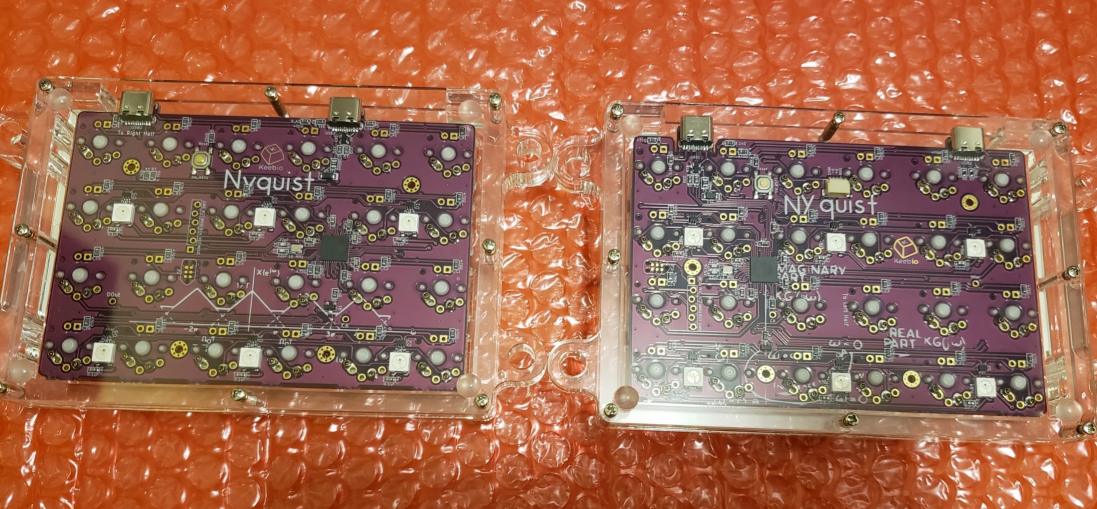
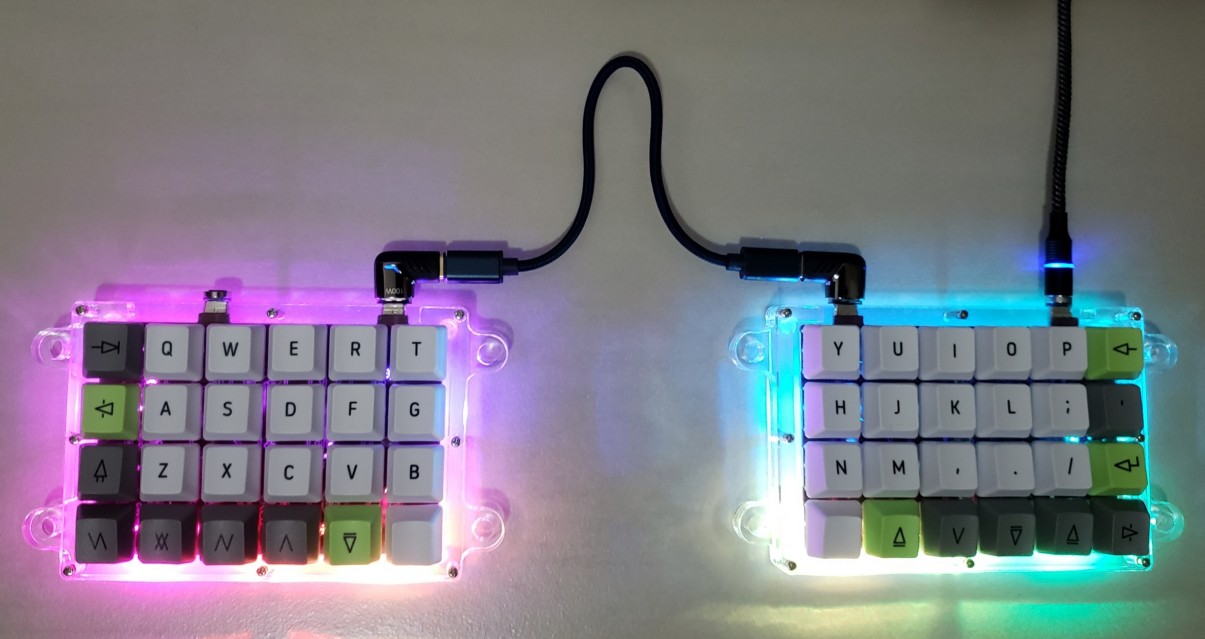
However, sometimes I’m on the go, and I’m forced to use my laptop keyboard. After being spoiled by qmk’s insane customizability, I couldn’t go back to a regular keyboard. I found kanata and kmonad and they could simulate most of my qmk experience.
Why kanata over kmonad?
The exact reason Why I built and use kanata. When using kmonad, I need to fully press the modifiers much longer for them to be registered. A slight tap is not registered. Like #466, “when I type capital F, 90% of times it comes out as lowercase f.” On the other hand, kanata doesn’t have this problem.
Getting Started
- Install
kanata:
pacman -Syu kanata
- Check out my kanata.kbd
If you happen to be using a ThinkPad keyboard like below:
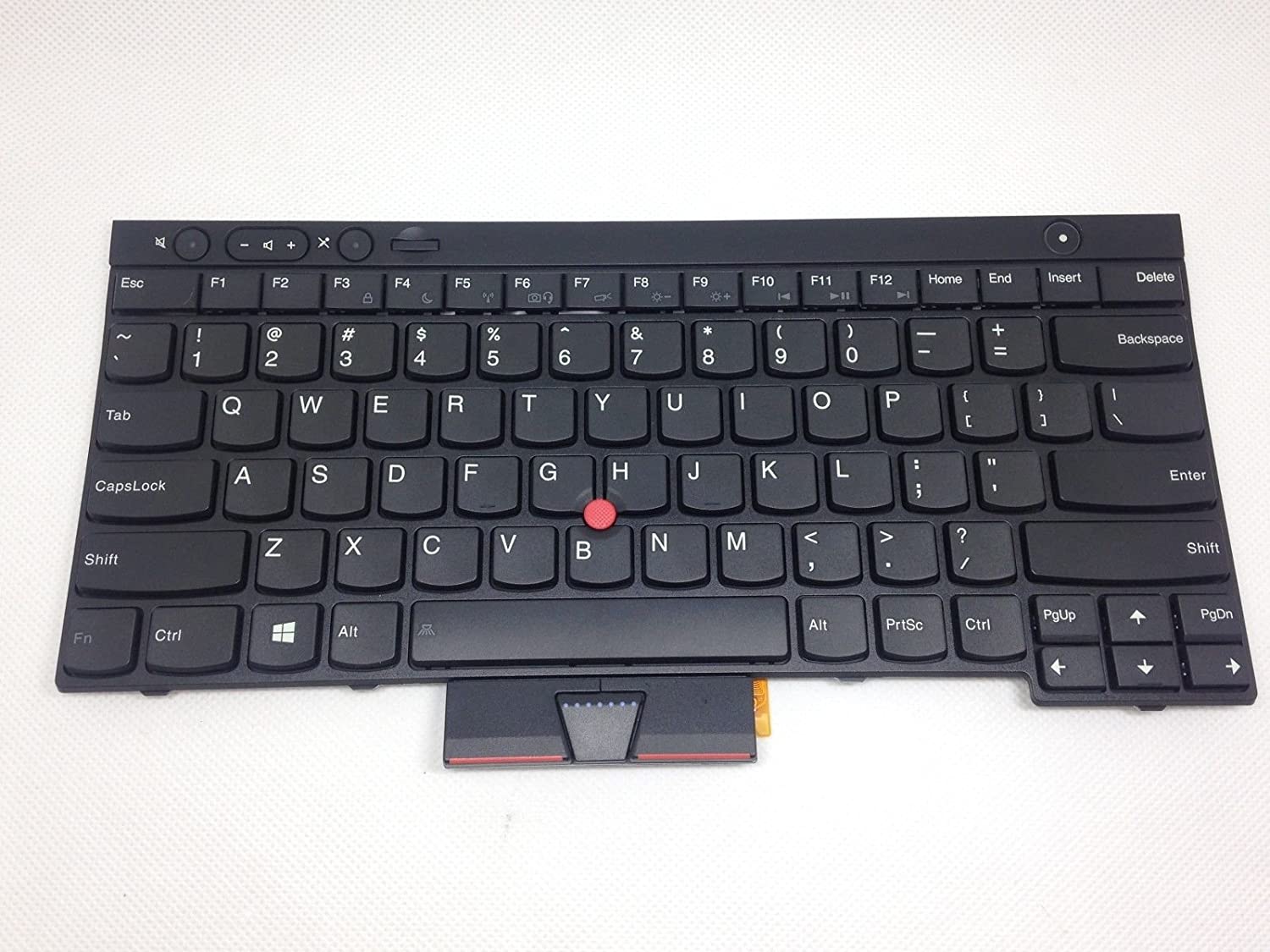
You may directly clone my kanata.kbd to get a feel for what kanata can do:
# note: read it before running to see what it does
curl -o ~/.config/kanata/kanata.kbd https://gist.githubusercontent.com/kohane27/f2ea851af5bb2bae7d2f3c411d1181ef/raw/47246f4021084f613486b9f2d7cfeae3b947202c/kbd
kanata (or kmonad for that matter) for a long time because of their daunting documentation.- run
kanata:
$ cd ~/.config/kanata/
$ kanata
What’s Changed
- home-row mod
CapsLockbecomesCtrlspaceacts as thesuperlayer switcher: single tap emitsspacebut holding it and pressawill becomeSuper+1(to switch between workspaces)- Left Alt acts as the
altlayer switcher: single tap emitsaltbut holding it and pressawill becomeAlt+1(to switch betweentmuxwindows)
Tips
- Create a systemd unit for kanata
- Read Configuration guide for more details
- Since
kanataandkmonadare pretty interchangeable, go to kmonad-contrib to look for inspiration
Conclusion
Using qmk keyboards made me realize how stupid the default keyboard layout is and kanata helps alleviate some of its problems. Thank you kanata!