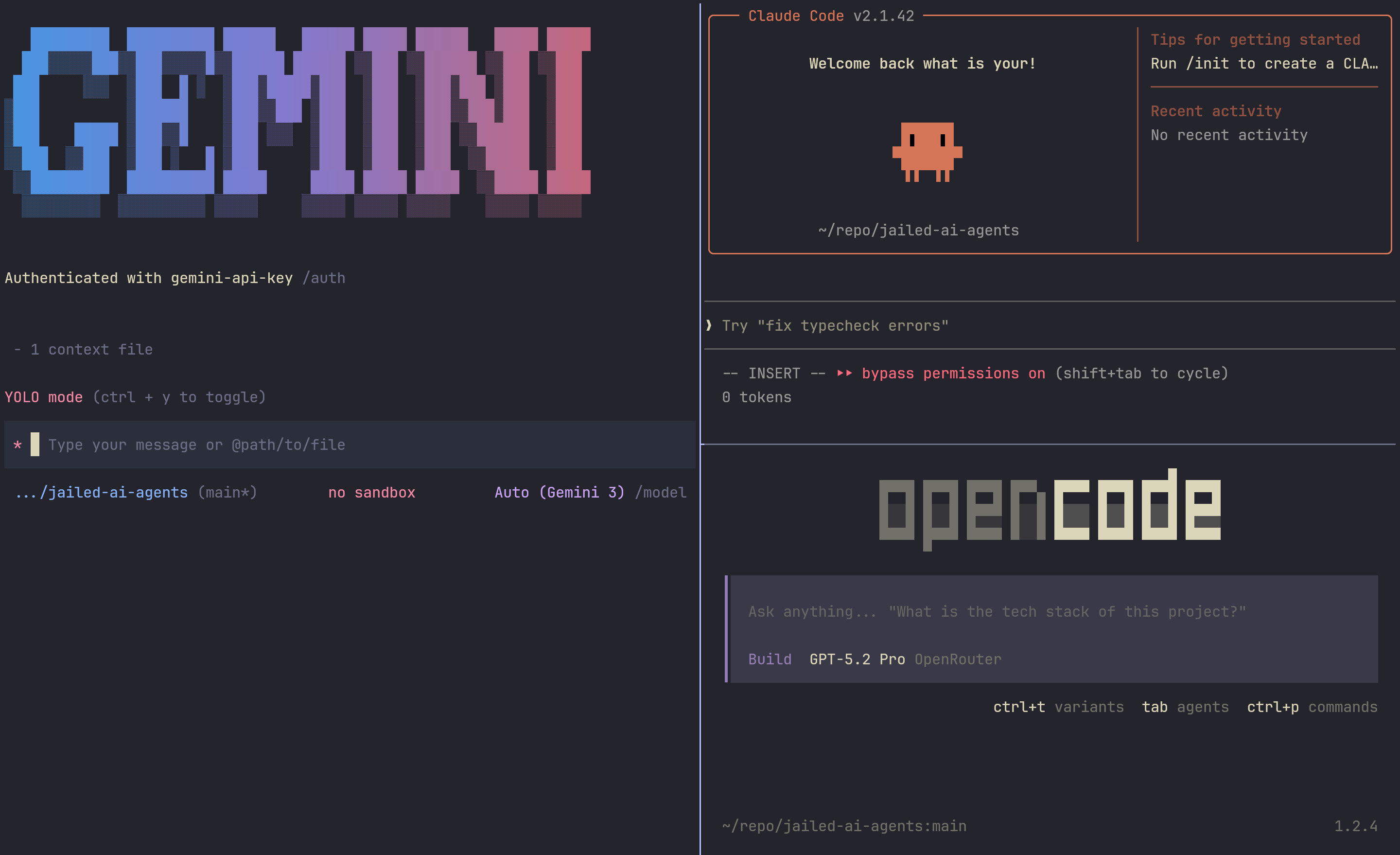
--dangerously-skip-permissions or Gemini’s --yolo, there is more reason to properly restrict what the agents can do. Besides, proper sandboxing gives you ease of mind knowing that it can’t wreak havoc on your host machine.Getting Started
For the impatient:
mkdir -p $HOME/repo/jailed-ai-agents
cd $HOME/repo/jailed-ai-agents
git clone https://github.com/kohane27/jailed-ai-agents.git .
direnv allow
./llm.sh --claude
In the prompt, first type ! to run shell commands. Then type ls -a ~ to see what directories and files Claude has access to.
Introduction
I came across two great articles: My Secure AI Agent Setup on deep diving into sandboxing/VM and How I Run LLM Agents in a Secure Nix Sandbox for its initial implementation. They gave me a good starting point but I need to polish it further to make it more “ergonomic” to use.
Integration
flake.nix requires to be in a git-controlled directory and commited to work. I don’t want to commit the same flake.nix in all my repo in order to use the jailed agents. Besides, not all dirs are version-controlled in which I want to use the jailed agents. This is why I put the flake.nix in a specific dir ($HOME/repo/jailed-ai-agents) and use a wrapper shellscript to access the jailed agents.
After cloning kohane27/jailed-ai-agents, the most important files are just flake.nix and llm.sh. The following is how I have extended beyond the original flake.nix.
- I have added
notificationstocommonJailOptionsandlibnotifytocommonPkgssuch thatnotify-sendworks. I have Claude hooks that usesnotify-sendto tell me when it’s done:
{
  "hooks": {
    "Notification": [
      {
        "matcher": "",
        "hooks": [
          {
            "type": "command",
            "command": "notify-send --expire-time=3000 --icon=\"braindump\" \"Claude needs your attention\""
          }
        ]
      }
    ]
  },
}
The same with Gemini:
{
  "hooks": {
    "AfterAgent": [
      {
        "matcher": "*",
        "hooks": [
          {
            "type": "command",
            "command": "notify-send --expire-time=3000 --icon=\"braindump\" \"Gemini: Agent finished\""
          }
        ]
      }
    ]
  }
}
I have added
waylandtocommonJailOptionsandwl-clipboardtocommonPkgsfor clipboard communication between the host and the sandbox. This is to make the/copycommand works in both Claude and Gemini.(set-env "COLORTERM" "truecolor")such that all the TUIs can use truecolor colors.I route all the requests through my host’s gluetun and to see the network traffic:
(set-env "HTTP_PROXY" "http://127.0.0.1:8888")
(set-env "HTTPS_PROXY" "http://127.0.0.1:8888")
Use add-runtime to inject and mount the directory in which the
llm.shis run. Let’s say your current dir is$HOME/Downloads/test_repo/. When you runllm.sh --claude, it’ll inject$HOME/Downloads/test_repo/as the dir in which the AI agent has access to and nothing else. It can’t see your host’s~/.sshor~/.mozilla.I added some packages like
openspecand formatters for opencode likeprettierandshfmt.Given we are in a sandbox environment, I added
--dangerously-skip-permissionsto Claude and--yoloto Gemini. If you’re not comfortable with it, just delete these two flags.I have added a
debugmode to debug/verify the sandbox isolation:
I. Enter the debug shell:
cd $HOME/repo/jailed-ai-agents
nix develop
PROJECT_DIR=$(pwd) nix develop $HOME/repo/jailed-ai-agents --impure -c debug
II. Test what the agent can see:
ls -a ~
ls -a /
ls /tmp
III. Run env to see what environment variables are available:
env
IV: Check network proxy (if you’re using gluetun like I mentioned above)
echo $HTTP_PROXY
- I have the following in my home-manager dotfiles such that in any repo, I can just run
llm --claude,llm --geminiorllm --opencode:
  home.packages = with pkgs; [
    (writeShellScriptBin "llm" (builtins.readFile /home/username/repo/jailed-ai-agents/llm.sh))
  ];
Scenarios
What happens if the agent decided to run
rm -rf /?
Deciding on which agent you use, say, jailed-claude, ~/.claude, ~/.claude.json, and the project dir in which you run the agent will be gone forever. The alternative without a sandbox is your host’s whole home dir is deleted. As you can see, the damage is greatly minimized.
What happens if the agent decided to exfiltrate as much data as possible?
Your crypto wallets are safe. Your browser cookies are safe. What it can’t protect you from is the API key used to run the agent. In other words, if you run jailed-claude, ANTHROPIC_API_KEY will be leaked (jailed-gemini will leak GEMINI_API_KEY) . The sandbox environment needs the API key to run the respective agent.
Conclusion
Feel free to extend it and make it your own. Also, to further understand what jail.nix can do, check out its doc, especially combinators.
Looking for an even more locked-down environment for your agents? Check out Maximum security confinement for your AI agents with microvm.nix.